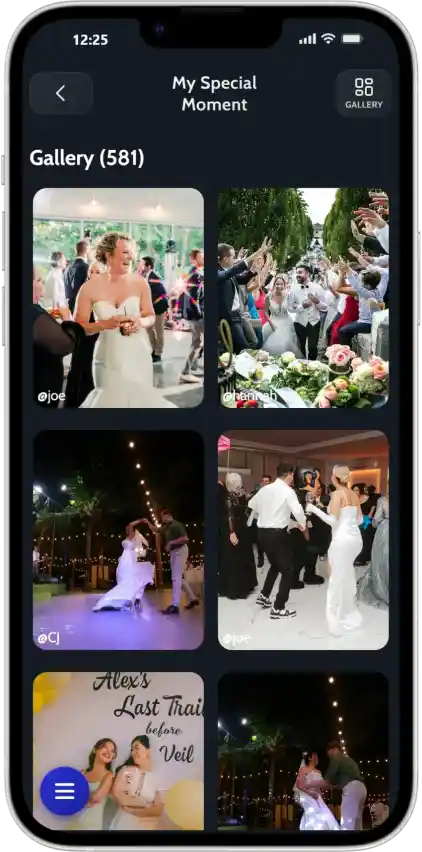
The POV app feature that allows you to view your event from guest's POV. Photo sharing from every angle. Try our POV photos feature!

Every guest who joins your Moment is instantly able to take photos with their phone browser. These photos are uploaded in real time to a shared gallery that the host can monitor live or explore after the event ends.

One of our most unique features: hosts and guests can filter the gallery by guest POV.
Want to see just what your best friend captured? Or the perspective from your uncle’s camera all night? You can!
| Feature | JoinMyMoment | Others |
|---|---|---|
| Multiple POVs | ✓ | ✗ |
| Filter by guest | ✓ | ✗ |
| Real-time uploads | ✓ | ✗ |
| No app needed | ✓ | ✗ |
| Works live during event | ✓ | ✗ |
Trusted by event professionals worldwide






Setting up takes less than 2 minutes. Your guests will love how easy it is.
Sign up free and customize your event. Add a name, set guest limits, and make it yours.
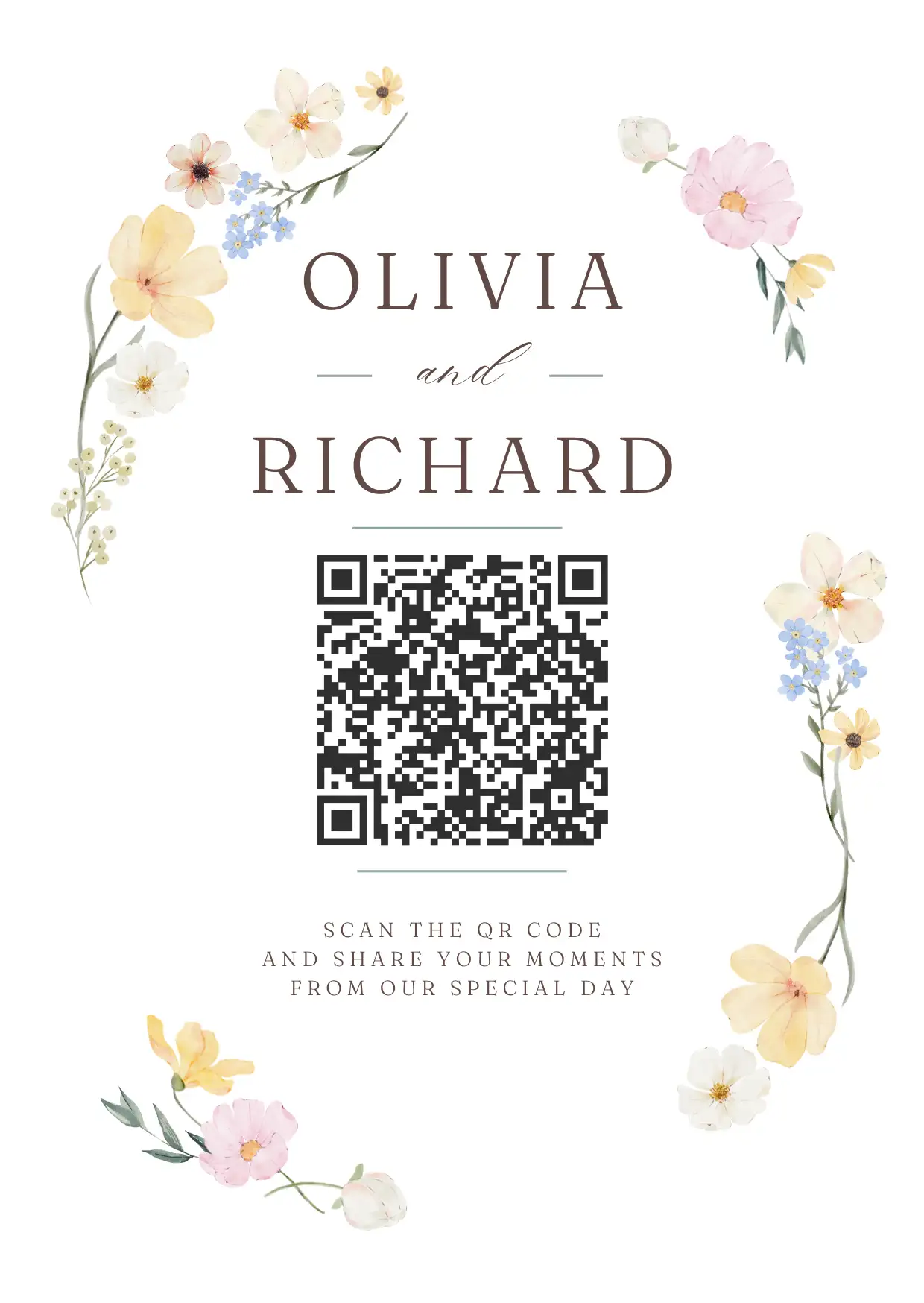
Display the QR code at your event. Guests scan with their camera - no app download needed.
Watch your shared album fill with candid moments in real-time. Download everything when ready.
Every guest becomes a photographer. Every angle gets captured. Every memory is saved in one place.
Try free, only commit when you need more guests.
Powerful features to enrich your event — some included free with every plan, some available as optional upgrades.
Let guests record spontaneous 15-second clips — the toast, the first dance, the laugh you almost missed. Bring your album to life with motion.
A voice note beats any caption. Guests leave heartfelt recordings you'll actually want to hear years from now.
Never turn a guest away. Unlock unlimited uploads so every candid, every selfie, and every group shot finds its place in the album.
Your event album flows straight into Google Photos — organized, backed up, and searchable. Zero exports. Zero extra steps.
Not sure which plan fits your event?
Everything you need to know about JoinMyMoment.
It's easy! Simply sign up for an account (you can also sign in with Google), fill in the necessary details (name of the Moment, number of guests, etc.), and you're all set. It's that easy!
You control how many pictures a guest can take. Anywhere from 5 to unlimited.
Guest can share or download photos from the shared photo album.
For each Moment there is an associated shared photo album that you can access at any time. The owner can see and delete images at all times during and after the event. You can choose if you want guests to be able to see all the photos, or just the ones taken by them.
You can safely pay online with your credit or debit card OR you can simply use Apple Pay or Google Pay. It's that simple!
Each Moment's photos are stored for an additional 60 days after the event ends, giving you plenty of time to download them to your personal device using the 'Download all' button from inside the gallery.
Yes! You can restrict access to authenticated guests or even limit guests to specific email domains. Even more, you can pause and resume Moments whenever you want.
No, guests do not need an account to join your Moments. They can simply set a username and join instantly.
You can delete any photo from the shared gallery as the owner of the event.
You can set up your moment to last anywhere from a few minutes, to up to 15 days.
Yes! You get an invoice right after you complete your payment. It doesn't matter if you purchase as an individual or as a business.
You control when the event starts and ends, but as soon as you complete the payment, you can start sharing the Moment with your anyone.
Of course! For more information please don't hesitate to contact us at b2b@joinmymoment.com
Yes! Guests can take both photos and videos. Uploading videos is an experimental feature.
Of course! Keep an eye out.
Yes, internet access is required — both for you and your guests. Without it, guests won't be able to upload photos, videos, or any other files, and won't be able to view the gallery. If your event takes place somewhere with limited or no connectivity, you can extend your Moment's duration (up to 15 days total) so guests can upload their content later, once they have a good internet connection.
JoinMyMoment is a simple and modern disposable camera app that helps you collect all the memories from your event in one place. Guests can join instantly—no app downloads or accounts needed—so it’s super easy for everyone to use. Unlike many other disposable camera apps, it doesn’t just capture photos; you can also save videos and even voice messages, making moments feel more real and personal. There’s a free option to get started, and overall it’s one of the most affordable choices out there. Whether it’s a wedding, party, or special event, JoinMyMoment makes it easy to capture everything without the usual hassle.
Join thousands of event hosts who trust JoinMyMoment to collect their most precious memories.

Have a question? Visit our FAQ section. You might find your answer there.
Didn't find what you were looking for? Reach us at contact@joinmymoment.com and we'll respond as soon as possible.



 العربية
 čeština
 Dansk
Dansk Deutsch
 Ελληνικά
 Español
 Eesti
Eesti Suomi
Suomi Français
 हिन्दी
 Hrvatski
 Magyar
 Italiano
 日本語
日本語 한국어
한국어 Lietuvių
 Nederlands
 Norsk
Norsk Polski
 Português
 Română
 Slovenčina
 Slovenščina
 Svenska
 中文
中文